Configuring the Markdown Workflow
Configure the Markdown workflow in the Scandit Express dashboard to help users efficiently manage tasks related to product recalls.
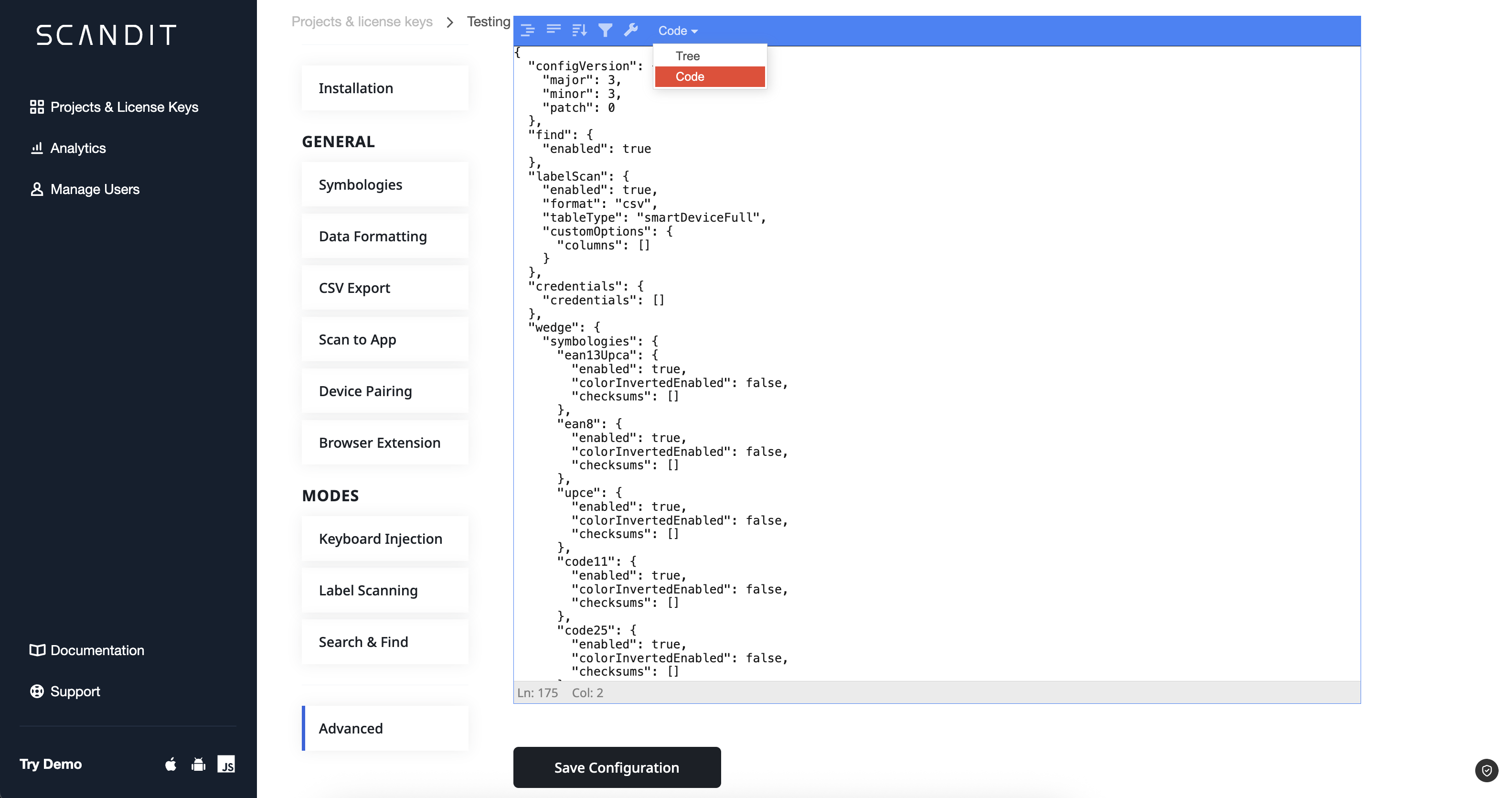
The configuration can only be done via the Code Editor in the Advanced section of the dashboard:
Configuration Options
The Markdown workflow can be configured using the following options:
| Option | Description | Example Value |
|---|---|---|
type | The type of workflow. This should always be set to markdown. | markdown |
labelCaptureSettings | Settings for label capture, including the fields to capture and their validation rules. | JSON, see example below |
daysUntilExpiry | Integer value representing the number of days until the item expires. | 3 |
expiryDateField | Object that contains name and other properties for the item. | ExpiryDateField |
Each expiryDateField object must include the following properties:
name: The name of the field to capture (This should find a match thelabelCaptureSettings.labelDefinitions.fields[i].name).expiredValue: Message to be shown when item is expired.actionNeededValue: Message to be shown when item is going to expire.noActionNeededValue: Message to be shown when item is not close to expiry.
Example Configuration
{
	"integration": {
    "integrations": [
      {
        "name": "Markdown",
        "scenario": {
          "type": "markdown",
          "labelCaptureSettings": {
            "labelDefinitions": [
              {
                "caching": true,
                "fields": [
                  {
                    "fieldType": "customBarcode",
                    "name": "Barcode",
                    "patterns": [
                      "^2.*",
                      "^02.*"
                    ],
                    "symbologies": [
                      "ean13Upca",
                      "code128",
                      "code39",
                      "interleavedTwoOfFive",
                      "ean8",
                      "upce"
                    ]
                  },
                  {
                    "fieldType": "expiryDateText",
                    "name": "Expiry Date",
                    "labelDateFormat": {
                      "componentFormat": "MDY"
                    }
                  }
                ],
                "name": "text_semantics_label"
              }
            ]
          },
          "daysUntilExpiry": 3,
          "expiryDateField": {
            "name": "Expiry Date",
            "expiredValue": "Remove from shelf!\nItem EXPIRED",
            "actionNeededValue": "50% off",
            "noActionNeededValue": "No action needed"
          }
        },
        "inputs": [],
        "outputs": []
      }
    ]
  }
}