Inventory Count
Scandit Express an Inventory Count mode designed for fast, robust, and flexible item counting. This mode leverages MatrixScan Count and SparkScan to support real-world inventory, stock management, and audit scenarios.
It can be launched directly from the home screen of Scandit Express.
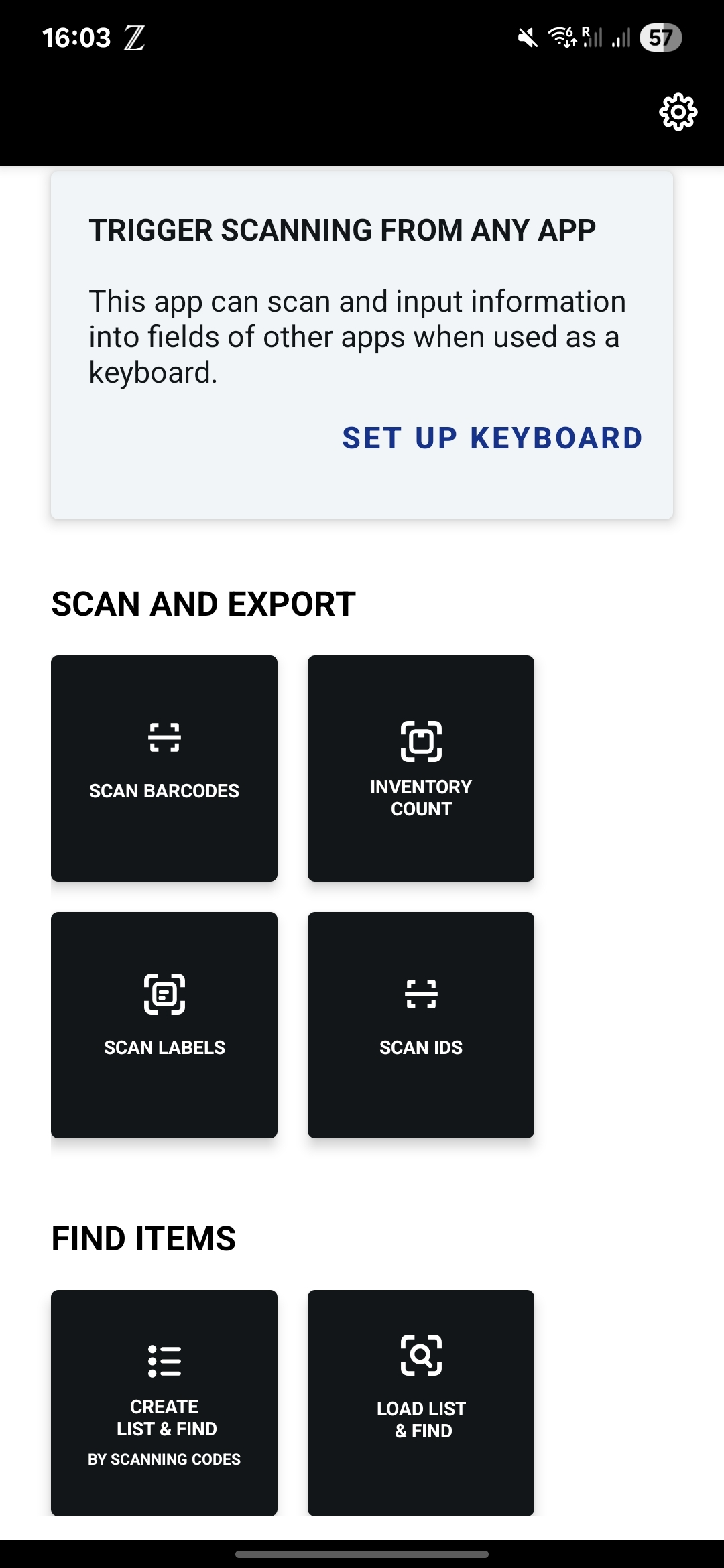
Inventory Count provides:
- Two scanning modes: MatrixScan Count for batch scanning with progress tracking, and SparkScan for fast single-item scanning.
- Persistent scanned item list: The scanned list remains available across sessions and workflows until explicitly cleared.
- List-based workflows: Validate scanned items against a preloaded list of up to 120 barcodes.
- Flexible list loading: Load lists via deep-link URLs or QR codes, including support for multiple QR codes for large lists.
- Duplicate handling: Configure whether duplicates are allowed or restricted.
- Export to CSV: Export results with full customization options.
- Status overlays: Mark items as
Expired,Close to Expire, orNot Found. - Progress bar: Shows scanning progress when working against a list.
Getting Started
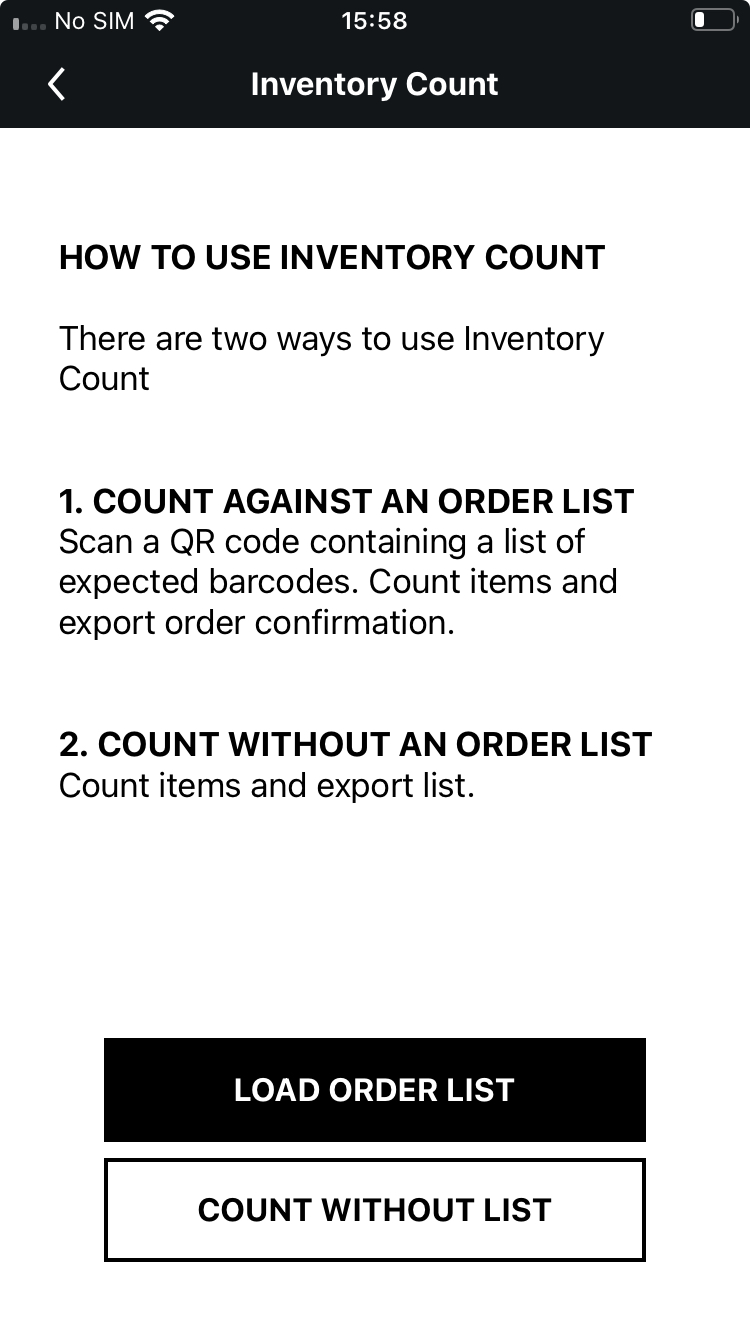
On start, you will have two options:
- Count without List which will allow you to start scanning products and then export a list of them.
- Load Order List which allows you to load a predefined list of barcodes and then scan products to see if they are on the list. Lists can be loaded:
- From a deep-link URL (e.g.
https://express.scandit.com/count/list?listName=myList&data=123,456,789) - From a QR code encoding the same URL
- From multiple QR codes (for very large lists)
- From a deep-link URL (e.g.
Scanning Modes
There are two scanning modes available in Inventory Count, toggleable in the UI:
- MatrixScan Count: Batch scanning with progress tracking.
- SparkScan: Fast, single-item scanning.
The scanned item list is persistent across sessions and workflows. Switching between modes or leaving the app does not clear it.
tip
If you need to customize the behavior of the Inventory Count feature, please contact Scandit Support.