Scan Labels
Powered by Smart Label Capture, a feature available in the Scandit Smart Data Capture SDK, this mode enables the simultaneous scanning of multiple barcodes and printed text on labels, streamlining data entry and reducing errors.
By combining barcode recognition with OCR and built-in intelligence, it can understand the context of the data and extract only the relevant fields for your application.
It is available via the Scan Labels option in the Express menu.
When finished scanning, you can export the list of scanned details.
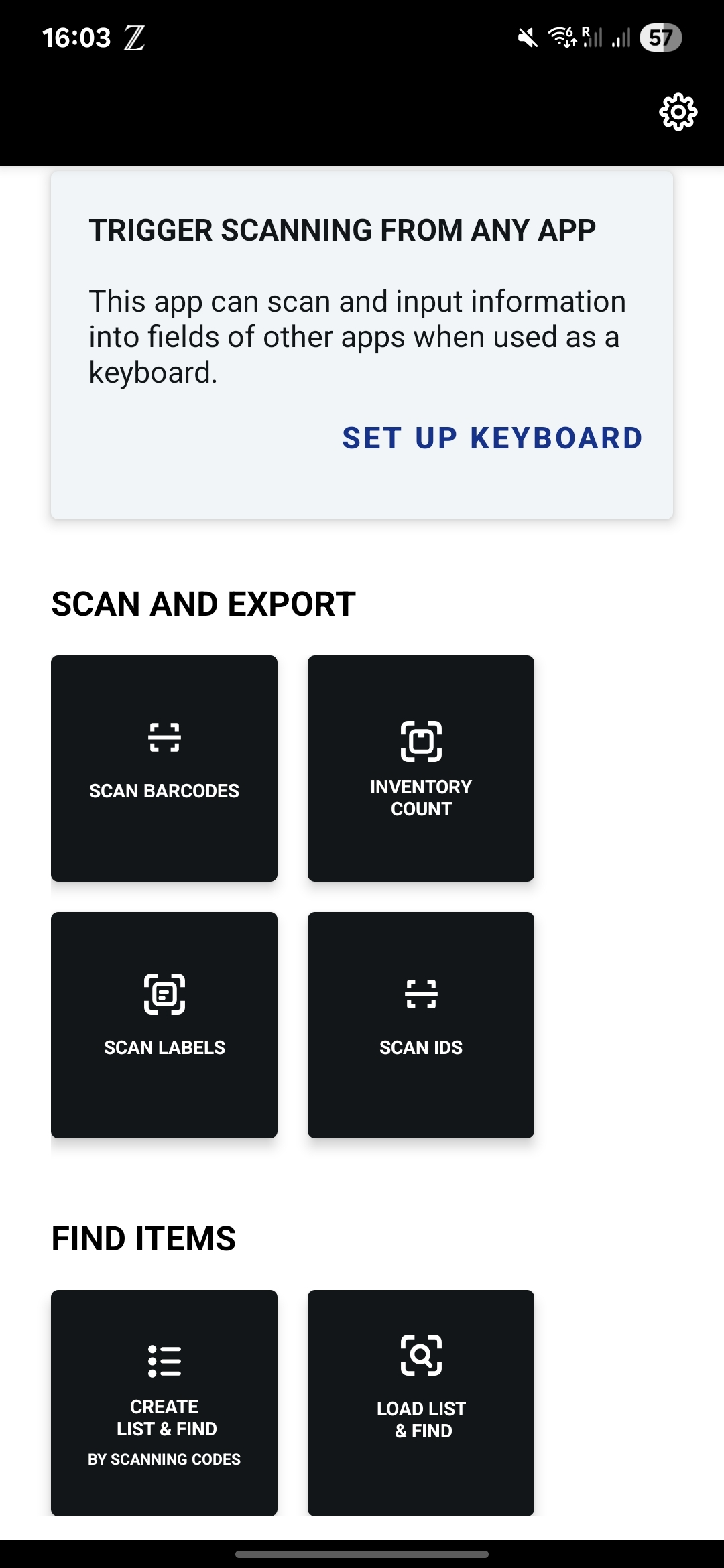
Configuration
Label scanning can be enabled and configured in your Scandit Dashboard by navigating to the Modes > Label Scanning section:
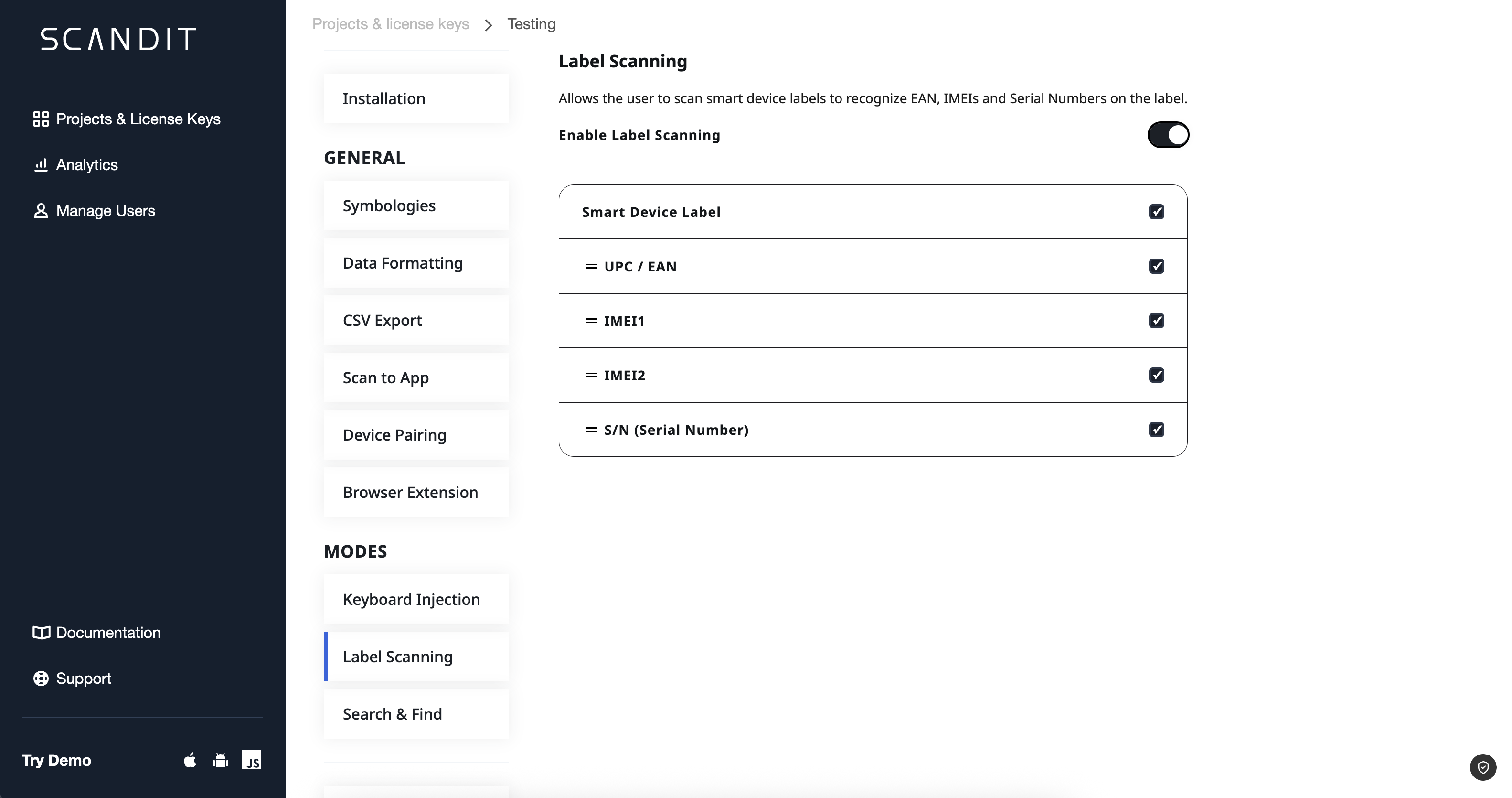
Once enabled, you can select from a the following pre-defined label types, and the respective fields will be automatically detected when scanning:
- Smart Device: Captures the UPC/EAN, IMEI1 and IMEI2, and Serial Number from mobile device labels.
- Price Weight: This factory method is designed for price checking scenarios where both barcode and price text need to be captured from product labels. Returns
SKUandpriceTextfields. - VIN: Captures the Vehicle Identification Number (VIN) from vehicle labels.
If you need to customize the behavior of the Smart Label Capture feature, please contact Scandit Support.