Speed up Smart Label Capture integration with Agent Skills
Install the Scandit plugin and use the /label-capture-capacitor skill so that your AI coding agent can integrate, debug, and customize Smart Label Capture on Capacitor following Scandit's recommended patterns. More info →
Run the following command in your project directory. It detects the supported coding agents you have installed and adds the Scandit plugin to each. Re-run it to update.
npx plugins add scandit/skillsPrefer to set it up yourself? Manual installation steps for each agent →
About Smart Label Capture
Smart Label Capture enables the simultaneous scanning of multiple barcodes and printed text on labels, streamlining data entry and reducing errors. By combining barcode recognition with OCR and built-in intelligence, it can understand the context of the data and extract only the relevant fields for your application.
This technology is particularly beneficial in scenarios where labels contain various data points, such as serial numbers, weights, or expiry dates.
Understanding Labels in Smart Label Capture
The first step to using Smart Label Capture is to define the labels that you want to capture. A label is a collection of text and barcode fields that are meant to be scanned in one scan process. It can include any number of barcode fields (defined by their symbology, pattern, or textual context) and text fields (defined by their pattern, relative position, or textual context).
To intelligently extract only the fields that are relevant, Smart Label Capture relies on a combination of multiple cues:
- The content of texts or barcodes (for example, a serial number always having a fixed number of digits)
- The barcode symbology (for example, QR code, UPC, EAN13, etc.)
- The relative position of fields
- Textual context, that is, text that is close to the field and describes it's meaning (for example, "BEST BEFORE" next to an expiry date text)
Applications and Use Cases
While Smart Label Capture is a flexible and customizable solution for label scanning, to make it easier for developers we have designed the API to support a series of common use cases with minimal configuration by using pre-made label blocks.
These use cases have been extensively tested to ensure reliable performance. Some examples of the supported use-cases:
- Retail Products
Streamline in-store order fulfillment by capturing barcodes, expiry dates, prices, net weights and other text automatically.
- Smart Device Labels with Multiple Barcodes
Read UPC, serial numbers, IMEI1 and IMEI2 and other data from smart devices labels, regardless of the design and format of the individual label.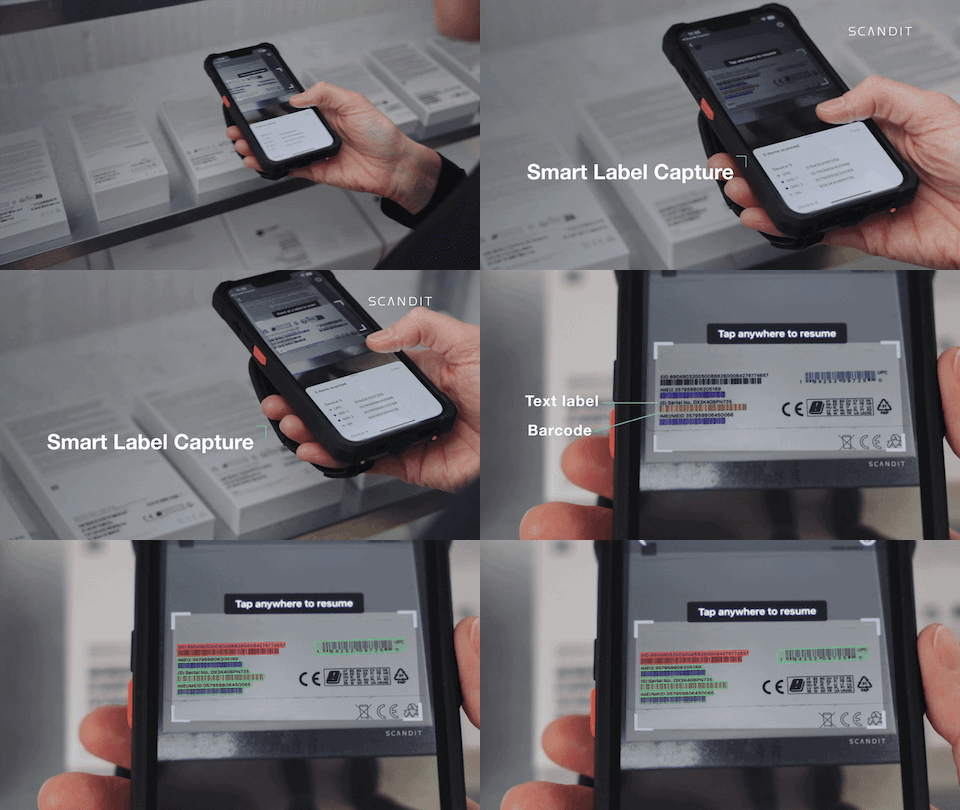
- Shelf Price Labels
Capture product price and barcode in retail shelves, confirming the displayed price is accurate.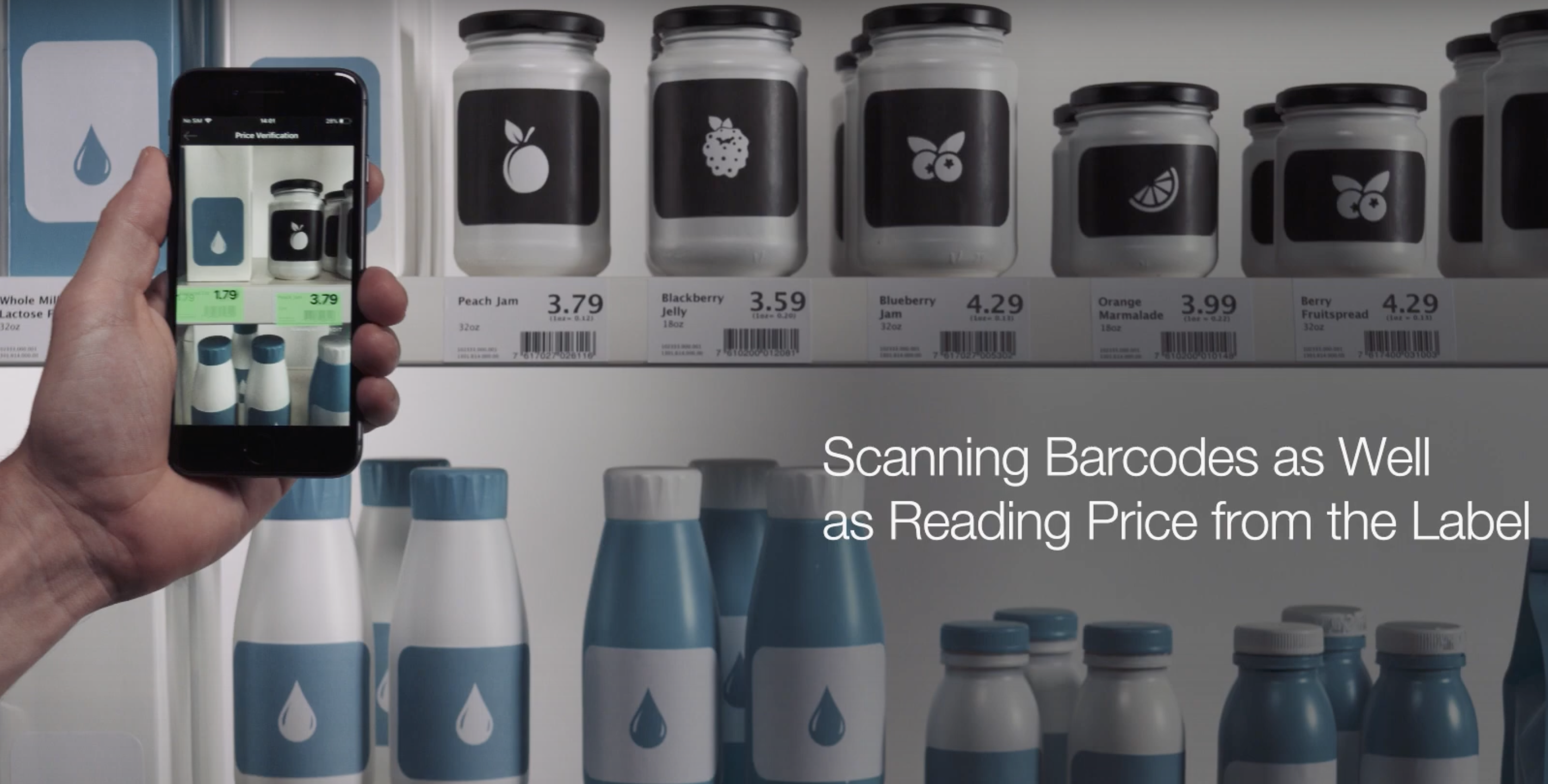
- VIN Scanning
Capture Vehicle Identification Numbers (VIN), including the VIN barcode and human-readable text.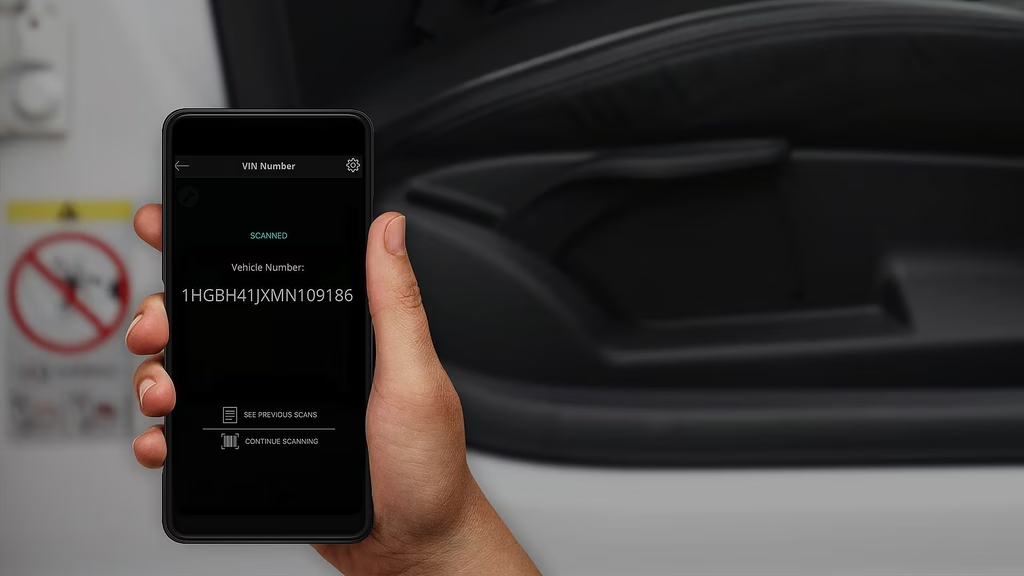
- 7-Segment Displays
Capture numeric values from 7-segment displays, such as digital scales, meters, or other electronic displays.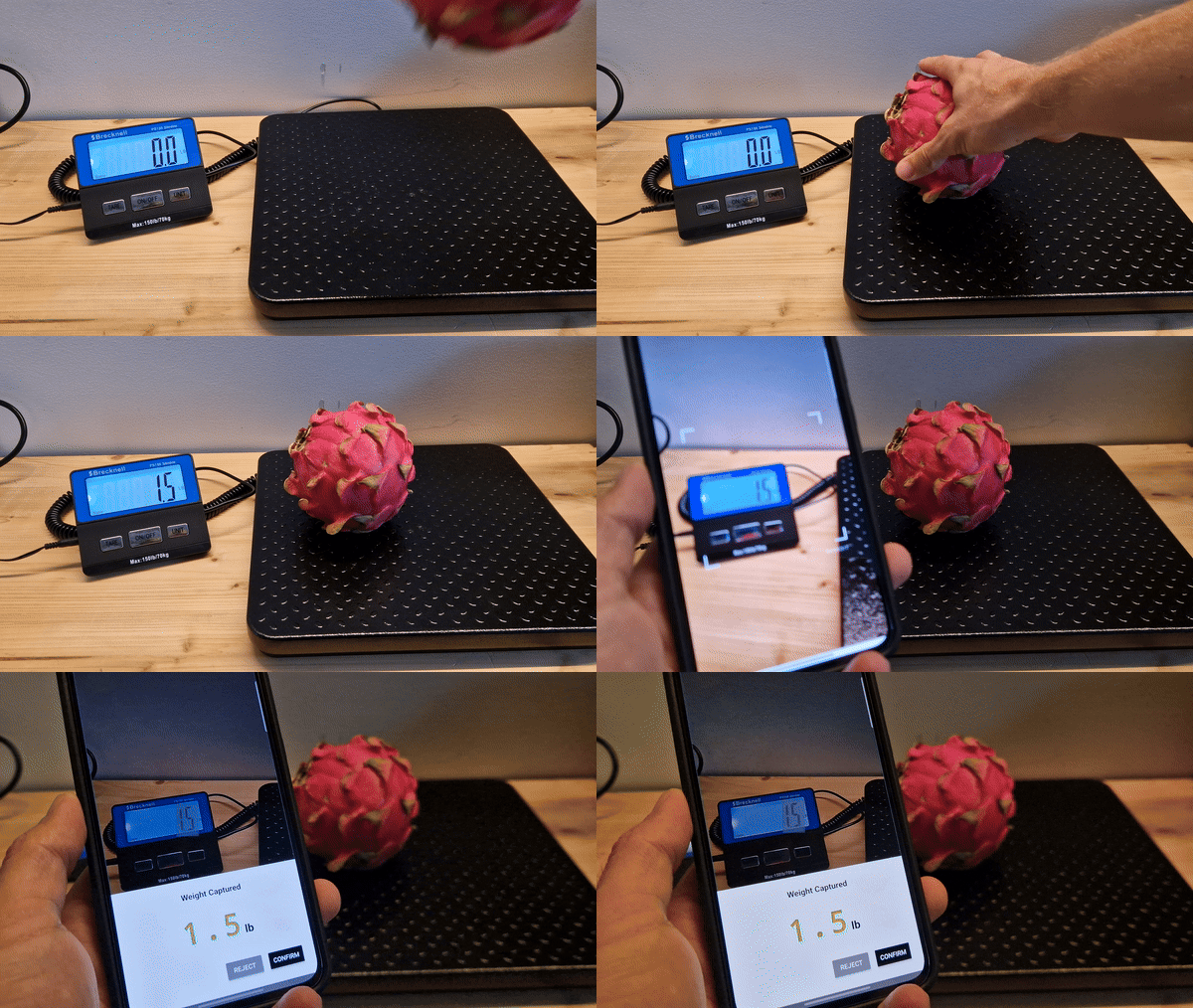
- Receipt Scanning (Beta)
Extract structured data from receipts, including store information, payment totals, taxes, and individual line items. This feature is powered by the Adaptive Recognition Engine and requires cloud connectivity.
- And many more...
We are constantly expanding our list of supported scenarios. If your specific use case is not currently listed, please reach out to Scandit Support.