Barcode AR Annotation
Defined in framework ScanditBarcodeCapture
- enum BarcodeArAnnotationTrigger
Added in version 7.1.0
The conditions that trigger an annotation to be displayed.
- highlightTap
Added in version 7.1.0
The annotation is shown when the user taps on the highlight.
- highlightTapAndBarcodeScan
Added in version 7.1.0
The annotation is shown immediately when the barcode is scanned, and can be hidden and shown again by tapping on the highlight.
- barcodeScan
Added in version 7.6.0
The annotation is shown immediately when the barcode is scanned. It cannot be toggled by user interaction and remains visible once shown, as long as the barcode is being scanned.
- BarcodeArAnnotation
protocol BarcodeArAnnotation : NSObjectProtocol
Added in version 7.1.0
Common interface for Barcode Ar annotations. Annotations are used to display additional information and/or trigger actions. They are displayed outside of the area of a barcode, and attach to the scanned barcode. They are available in different types and have configurable styles. Currently, three types of highlights are supported: BarcodeArInfoAnnotation, BarcodeArPopoverAnnotation and BarcodeArStatusIconAnnotation.
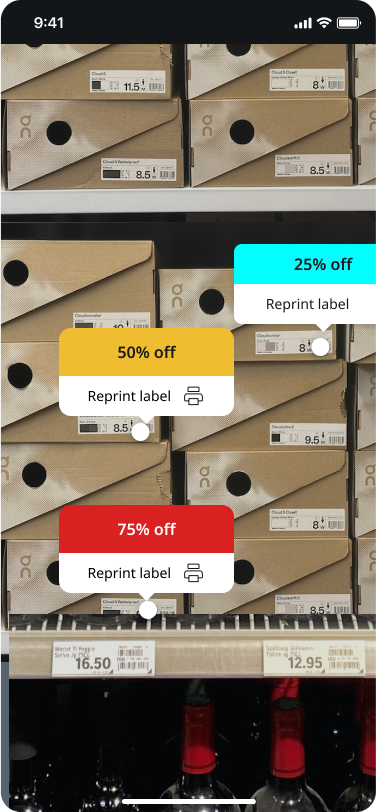
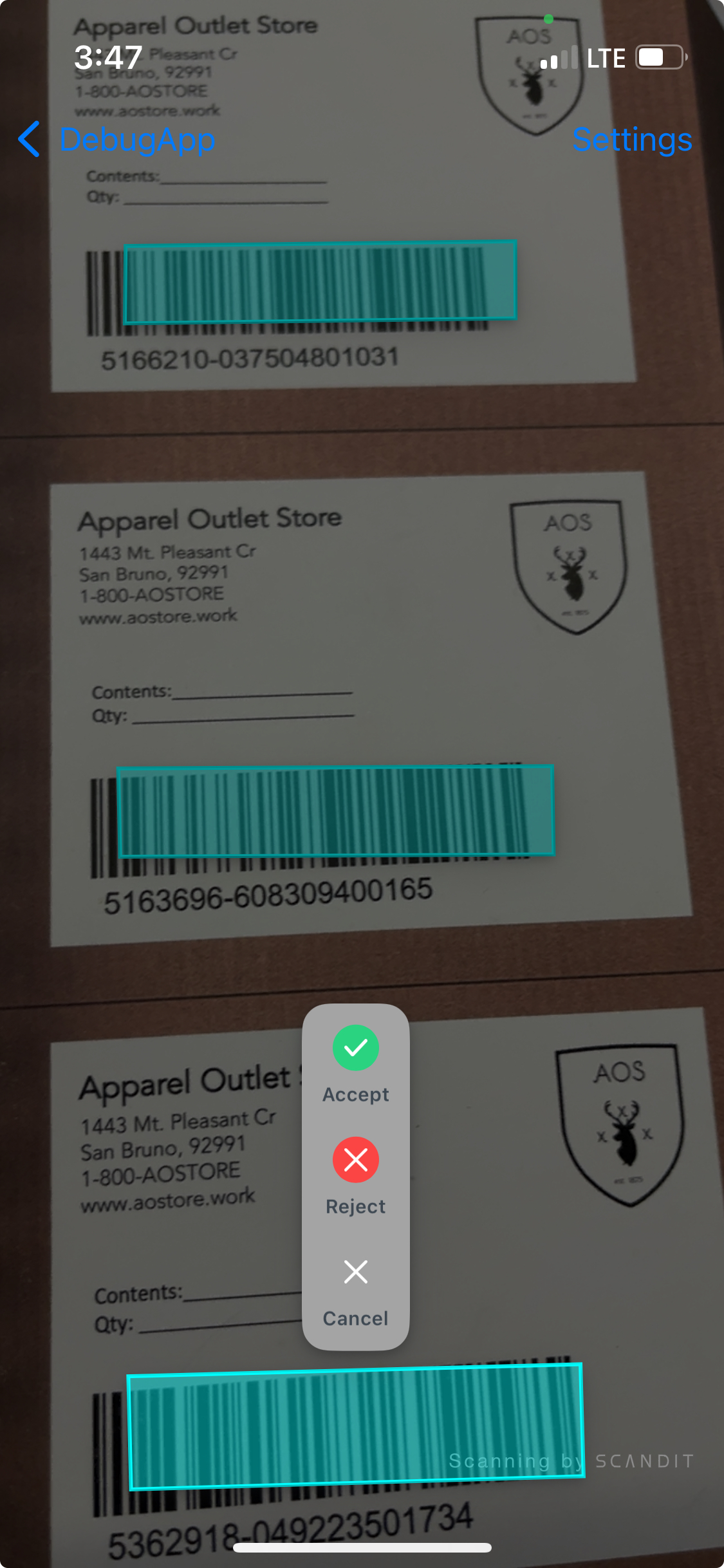
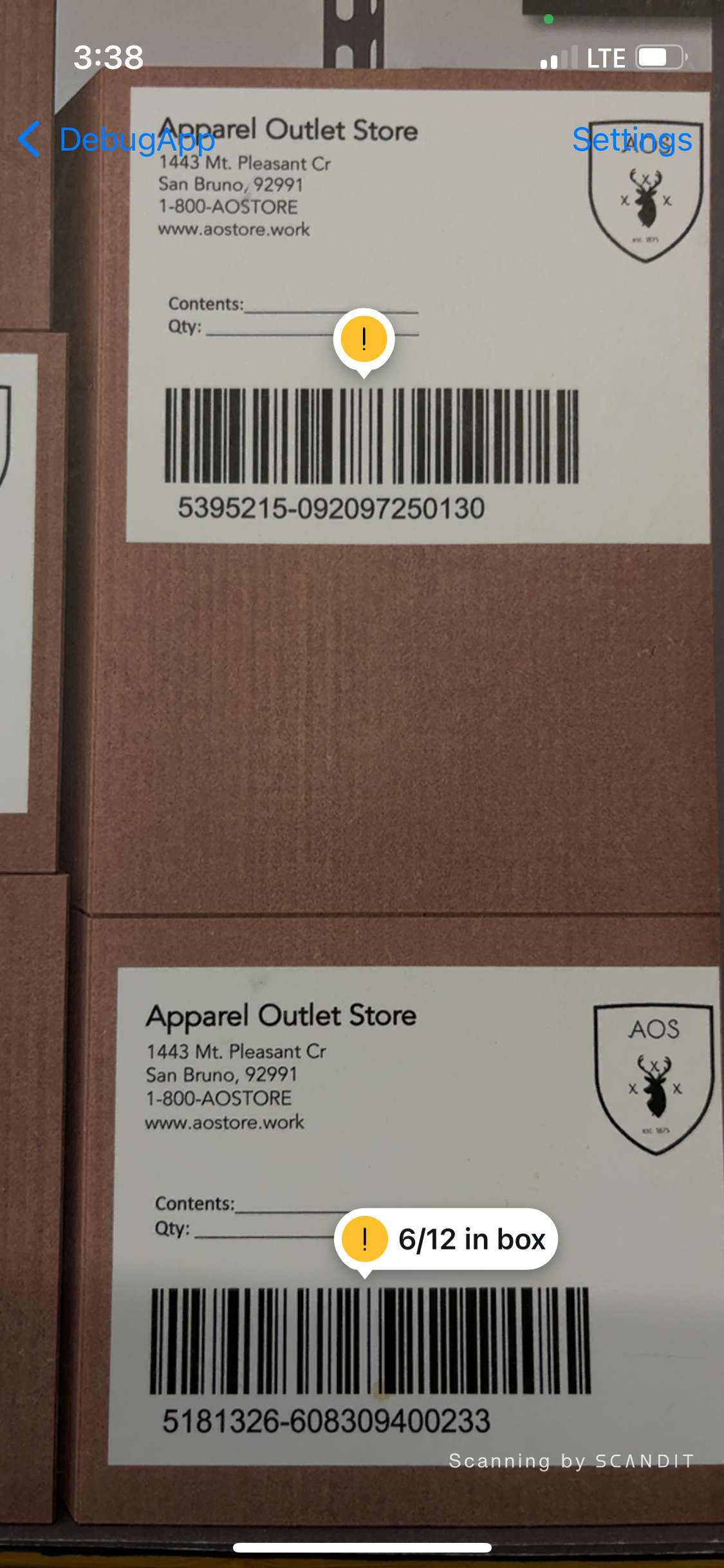
You can also create your own custom annotation by extending BarcodeArAnnotation. For instance, the following code creates a custom annotation that displays a custom image on top of the barcode:
class CustomAnnotation: UIImageView, BarcodeArAnnotation {
  // The trigger that causes the annotation to be presented.
  var annotationTrigger: BarcodeArAnnotationTrigger = .highlightTapAndBarcodeScan

  init(barcode: Barcode) {
    super.init(image: UIImage(systemName: "ellipsis.bubble"))
    contentMode = .scaleAspectFit
    frame = CGRect(x: 0, y: 0, width: 40, height: 40)
    backgroundColor = .clear
  }

  // Called to update the view with barcode location and highlight location. Called from the main thread.
  // This method should not be called directly, it will be invoked automatically when needed.
  func update(with location: Quadrilateral, highlight: (any UIView & BarcodeArHighlight)?) {
    let topY = min(location.topRight.y, location.topLeft.y, location.bottomRight.y, location.bottomLeft.y)
    let centerX = (location.topLeft.x + location.bottomRight.x) / 2
    self.center = CGPoint(x: centerX, y: topY - 20)
  }
}
- update
open func update(with location: Quadrilateral, highlight: (any UIView & BarcodeArHighlight)?) ->
VoidAdded in version 7.3.0
Called to update the view with barcode location and highlight location. Called from the main thread. This method should not be called directly, it will be invoked automatically when needed.
- annotationTrigger
open var annotationTrigger: BarcodeArAnnotationTrigger { get, set }
Added in version 7.1.0
The trigger that causes the annotation to be presented.